Connectivity to the home
The estate provides the connection that reaches the property.
 Discuss your IT needs
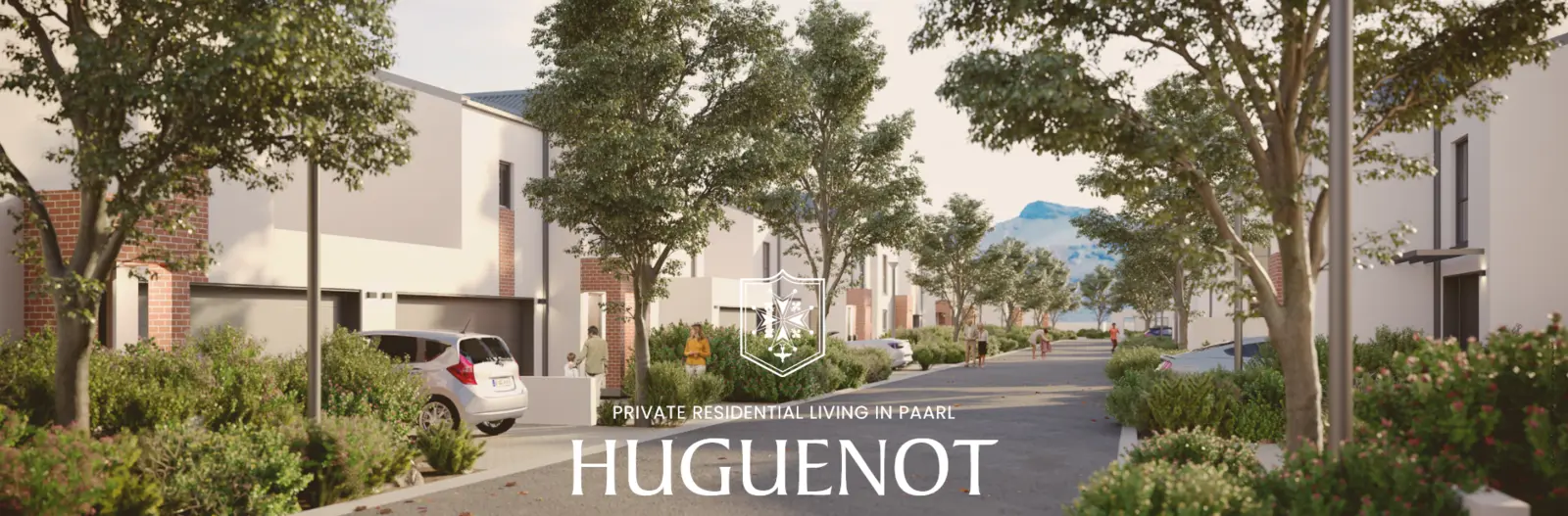
Huguenot Estate recommended IT partner
Kwik Support helps Huguenot Estate homeowners in Paarl plan internal WiFi and ethernet, coordinate agreed work during construction and support the setup after handover.
From the estate connection inward
Huguenot Estate provides high-speed connectivity to each home. Kwik Support helps homeowners extend that connection through the property in a way that suits the layout and the people using it.
The estate provides the connection that reaches the property.
Kwik Support plans and implements the agreed internal network for the home.
Recommended by Huguenot Estate
Huguenot Estate's public homeowner guidance recommends Kwik Support for home network planning and IT support. The aim is to coordinate the internal setup early enough for it to work with the home rather than become an afterthought.
Read the estate's homeowner guidanceNetwork options
These options reflect the network packages described in Huguenot Estate's homeowner information. The final equipment, cable routes, installation work and pricing are confirmed after the home and its requirements are understood.
A focused starting point for a smaller internal network.
Wider wired and wireless coverage for a more connected home.
A tailored design where the standard options do not fit the layout or intended use.
How it works
The exact sequence depends on the home's construction stage and the work agreed with the homeowner.
Review the layout, intended use, construction stage and devices that matter.
Agree cable routes, equipment positions and any access that needs to be coordinated with the developer.
Complete the agreed network work and configure the internal WiFi and ethernet setup.
Check connectivity and coverage, explain the setup and agree any ongoing support separately.
After the network is installed
The initial network project can be followed by separately agreed help where it is useful.
Common questions
Not automatically. The estate provides connectivity to the home, while the internal WiFi and ethernet network must be planned for the layout and the way the household will use it.
As early as practical. Planning during construction can make it easier to agree cable routes and equipment positions before the home is complete.
No. Start with the home layout and what you need to connect. We can then confirm whether a standard package is suitable or a custom scope is more sensible.
The final equipment, cable routes, installation work and support depend on the home layout, construction stage and agreed scope. Pricing is confirmed after those requirements are understood.
Yes. Device setup, home-office requirements, troubleshooting and ongoing IT support can be agreed separately from the initial network installation.
Start with a conversation
Tell us where you are in the building or handover process and what you need to connect. We will agree a sensible next step.